



Did Yo u Know?
If you donate your Sydenham Storm clothing back to the school when your Storm Kiddo outgrows it, we send along to other families to use, share, and donate again back to us. Reduce, Reuse, Recycle!
School Advisory Council Update
Join us for our meeting this Monday November 23, at 5:30 pm - babysitting provided! See you in the Learning Grove! All welcome!
Sydenham Storm Clothing E-Store Open!
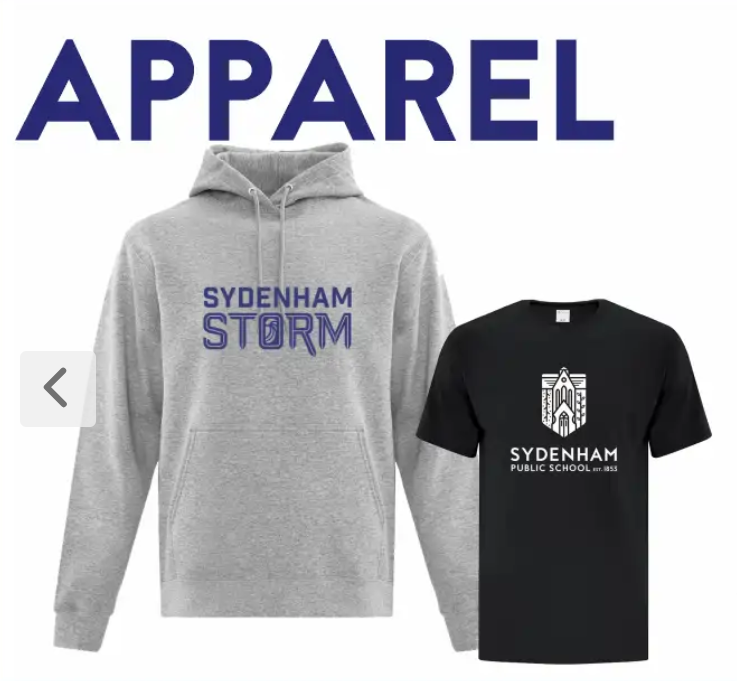 Order by November 29th for delivery before December 18th.

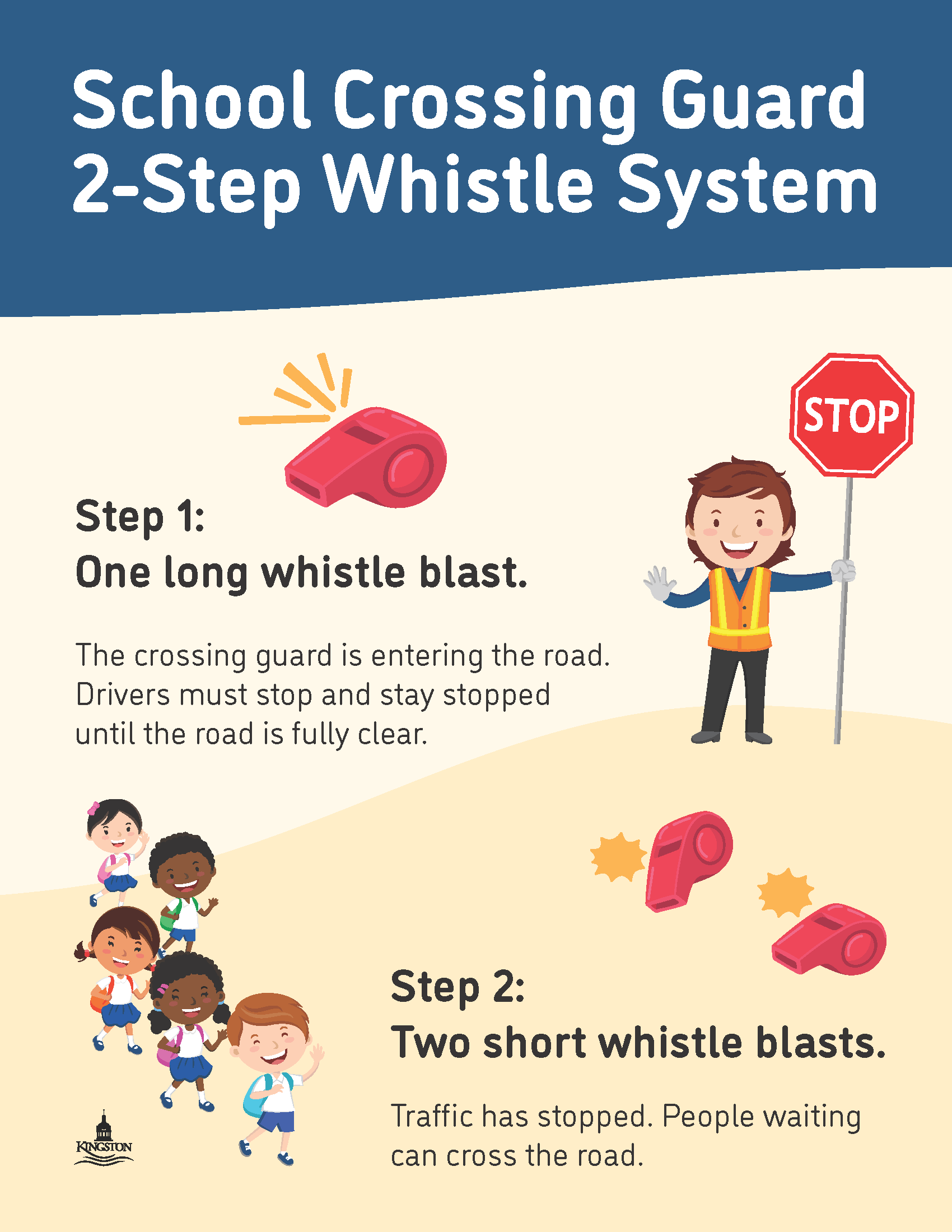
[The sections below will be at the end of every newsletter - so if you have arrived here - thank you for reading our full newsletter - we appreciate you!]
[The sections below will be at the end of every newsletter - so if you have arrived here - thank you for reading our full newsletter - we appreciate you!]
How Do I Report An Absence?
Please use the Safe Arrival system to report your child's absence; if you need to call to report an absence, please call 1-855-257-9349 (see instructions below)
If your child will be late, please report a full day absence and then we will sign them in when they arrive.
Computerized call outs occur around 9:30 for students absent with no reported absence in our system. This call out system is a mandatory safety feature to ensure you know your child is not at school and can follow up as needed. For this reason, if your child is late, it is important that they stop into the office so that Mrs. Thompson can change their absence to 'Late' so that you don't receive an unnecessary and worrisome phone call that your child is not at school
How to report your absence:
1. Toll-free telephone
- Call 1-855-257-9349 toll-free to report an absence using the automated phone system.
2. School Messenger App
- Use your mobile device to download and install the free SchoolMessenger blue app from the Apple App Store or the Google Play Store, the SchoolMessenger website portal, or from within the LDSB mobile app.
- The first time you use the app, you must select Sign Up to create your account. Please ensure you use the same email address your student’s school has on file. If you do not use that same email address, you will not be able to create an account, or may not be able to see the "Attendance" option. You may have already created an account when we introduced the Communicate broadcast system.
- Select Attendance, then select Report an Absence and follow the prompts.
3. SchoolMessenger SafeArrival Website Portal
- Visit the SchoolMessenger website portal.
- The first time you use the app, you must select Sign Up to create your account. Please ensure you use the same email address your student’s school has on file. If you do not use that same email address, you will not be able to create an account, or may not be able to see the "Attendance" option. You may have already created an account when we introduced the Communicate broadcast system.
- Select Attendance, then Report an Absence and follow the prompts.