



Sydenham Storm Updates
- What an amazing year we have had at Sydenham Public School! Thank you for all you do in supporting our school, your children, and our staff! Have a wonderful summer!
- Report cards go home on Wednesday and the last day of school is this Thursday.
- First day of school for the 2026/27 school year is Wednesday, September 2 - please note - this is before the Labour Day long weekend. See you then!
- The office will be open June 29, 30, July 2, and 3 from 8 am - 2 pm. The office officially reopens on August 25th and Mrs. Thompson will be in starting that day. We will be checking email a few times a week throughout the summer. Please reach out if you need anything!
- Our first Parent Council Meeting (SAC) for the 2026/27 school year is September 21 at 5:30. Elections will occur at this meeting. Mark your calendars!
- Kindergarten registration remains open! Visit our website for more information.
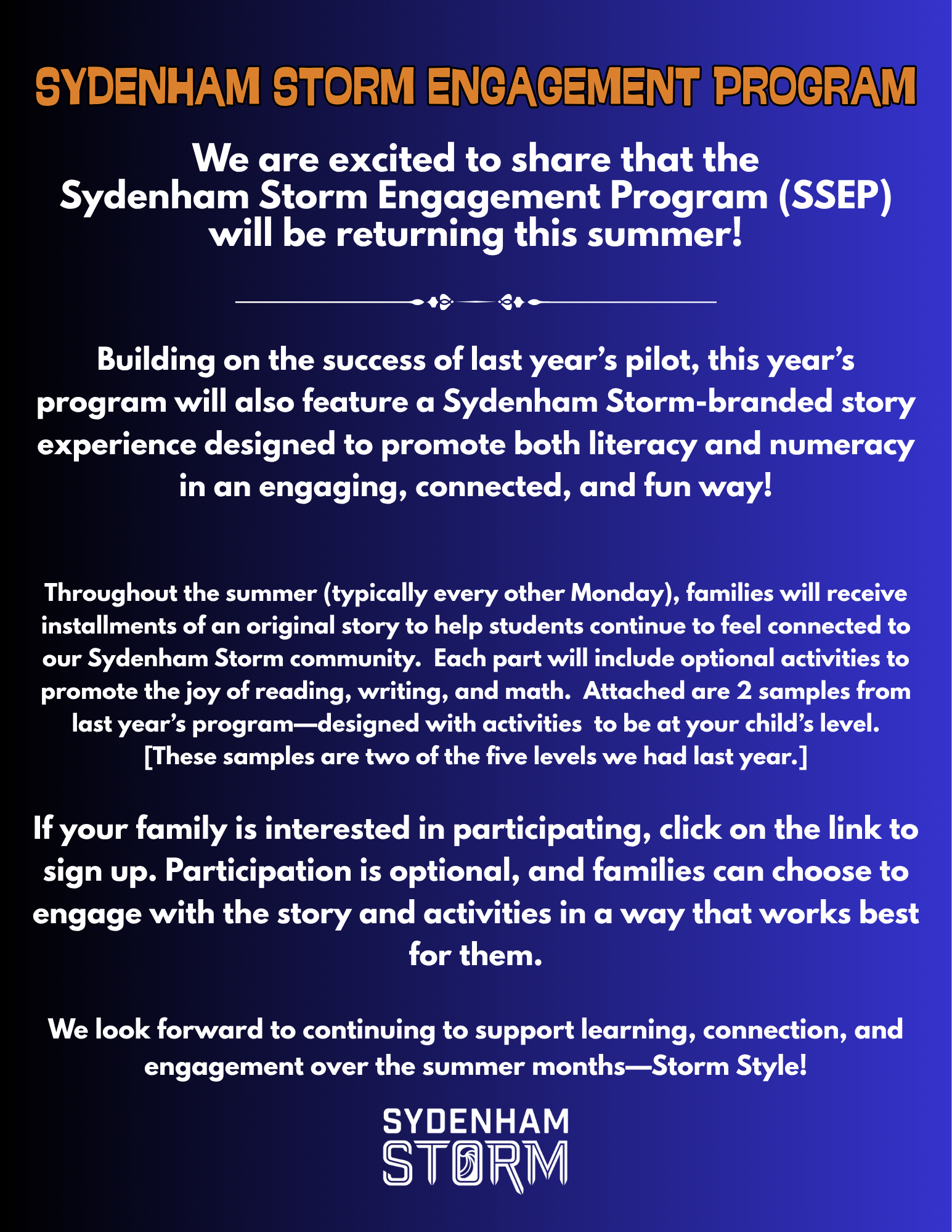
Sydenham Storm Engagement Program
It's not too late to sign up for our Storm Engagement Program (see info below and original email for the samples). Even if you sign up for the summer emails, you are under no obligation to read any of the stories or do any of the activities. You could save them for a rainy day or a long car ride or just let them rest in your inbox. If you have any questions, please let us know. Click this link to register.
Tentative class organization and assignments:
Class 1 - JK/SK - Mrs. MacDonald/Ms. Hallett
Class 2 - 1/2 - Ms. Bryson
Class 3 - 3/4 - Ms. King
Class 4 - 5/6 - Ms. Reid-Cronk
Class 5 - 6/7/8 - Mr. Richards
French/Planning Time - Ms. Bumstead
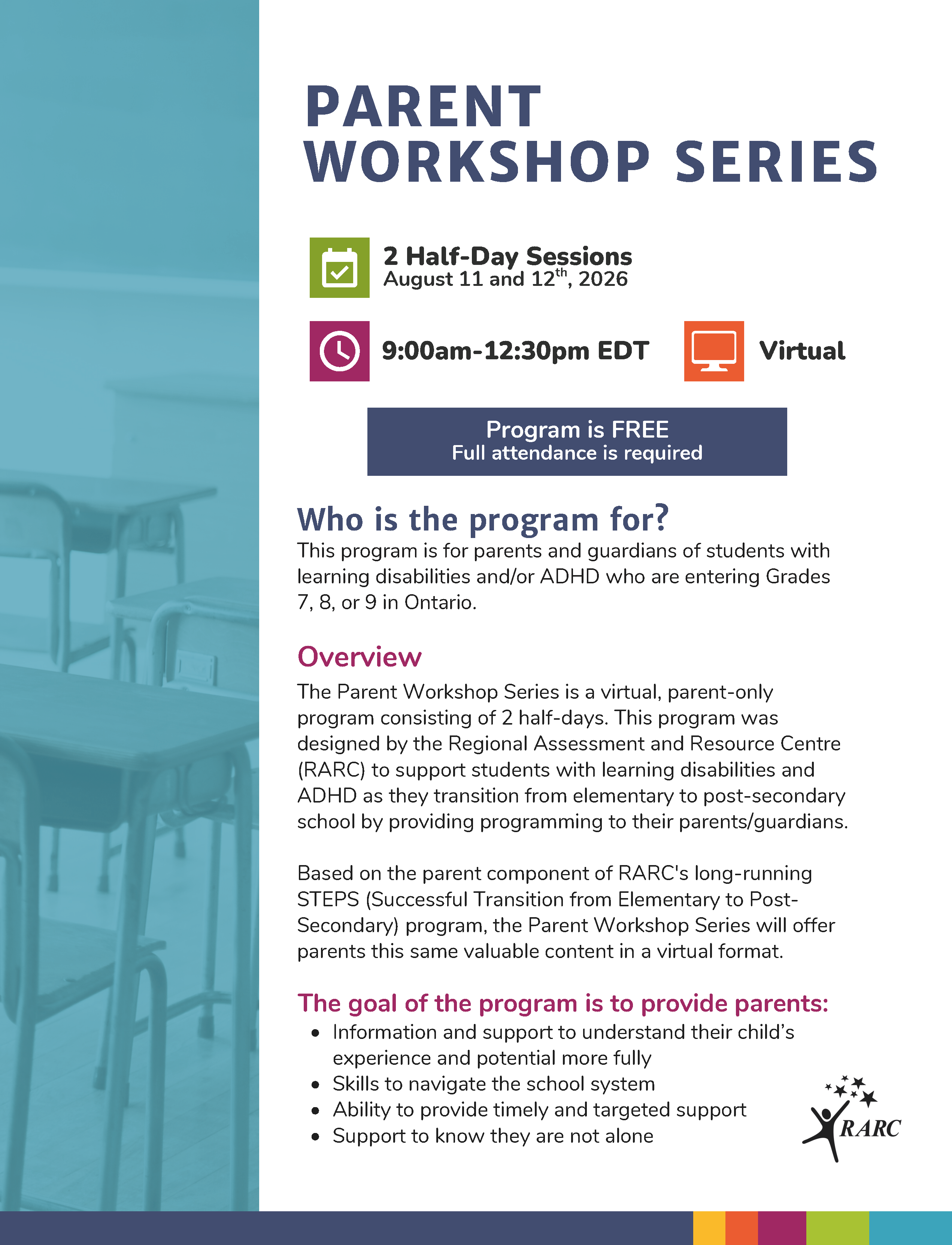
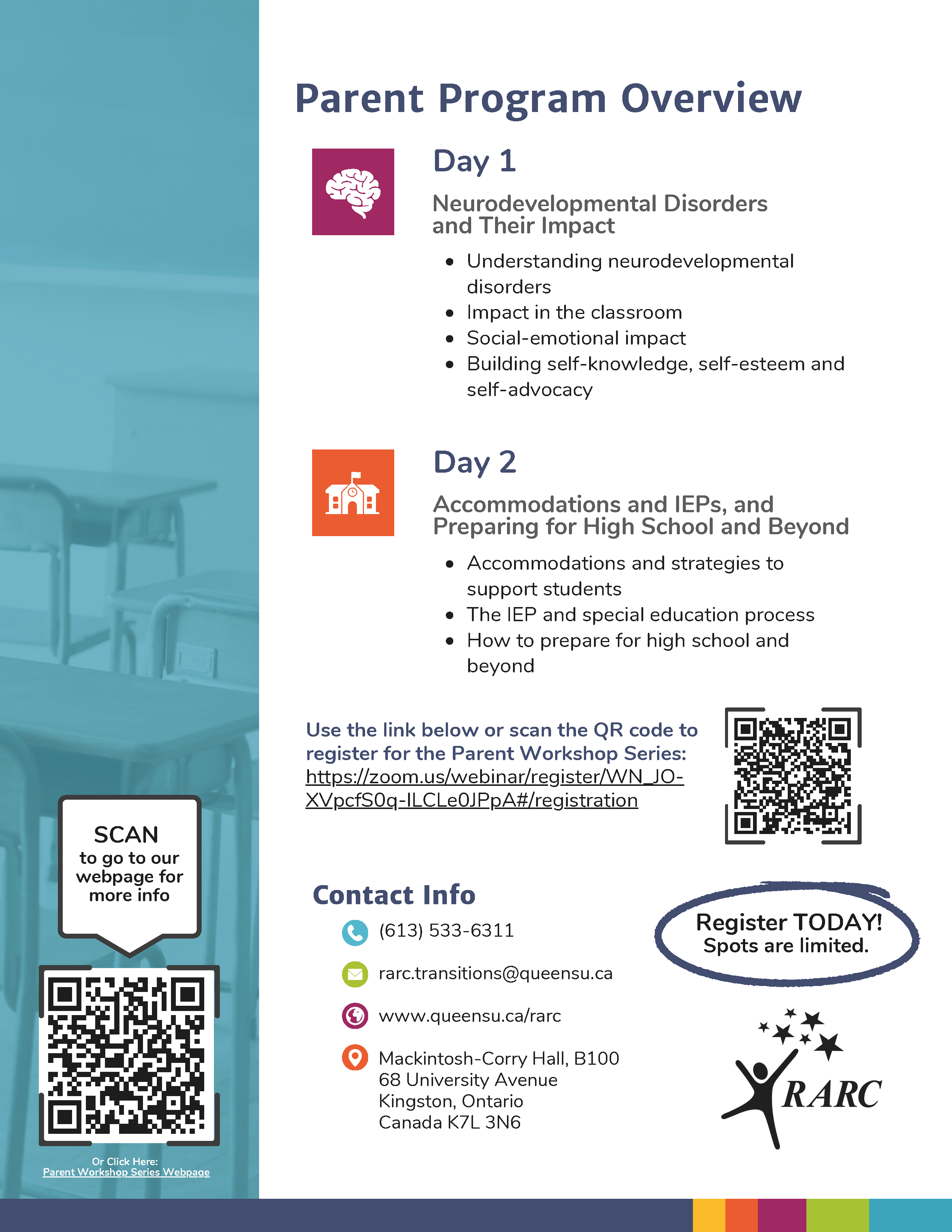
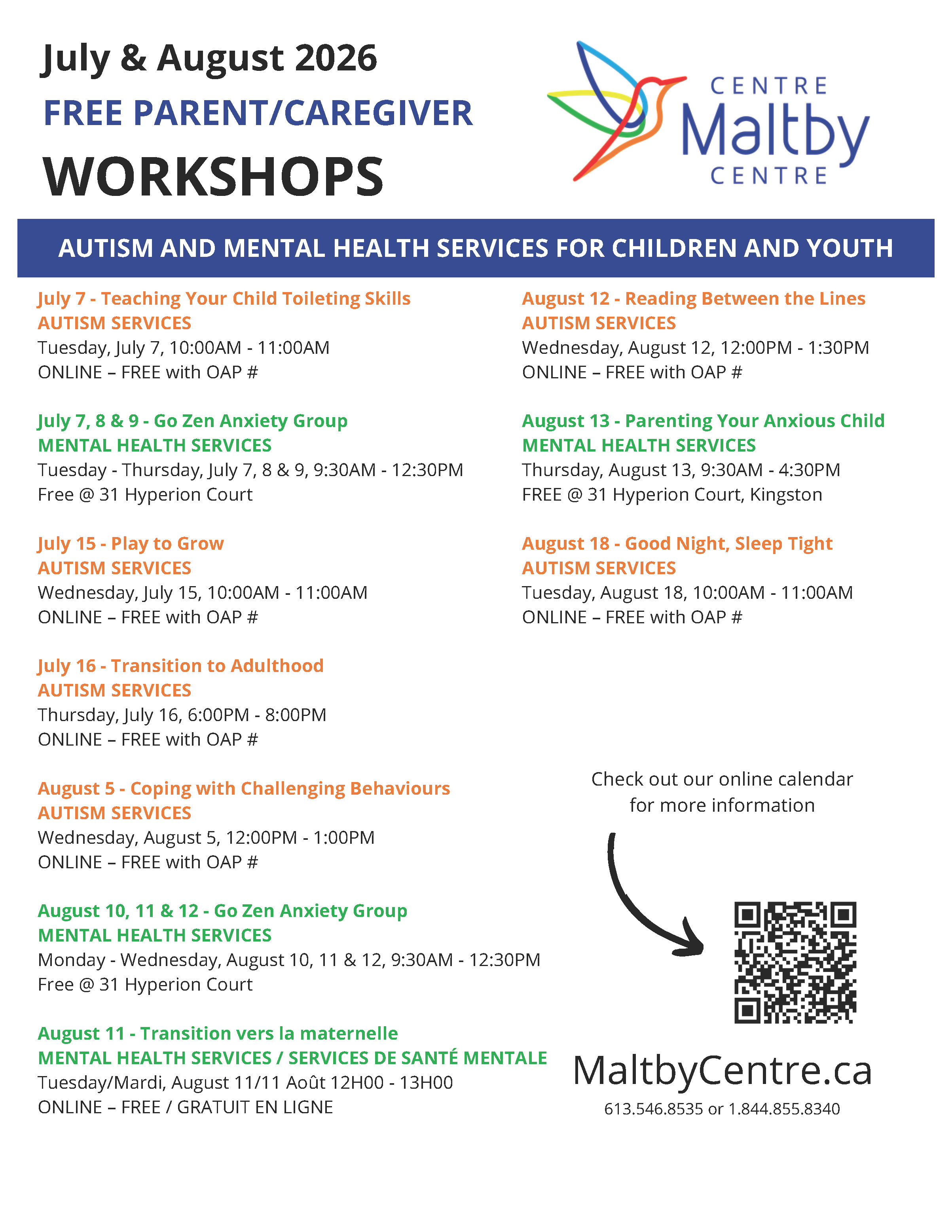

2026/2027 Calendar
First day of school for the 2026/27 school year is Wednesday, September 2 - see you then!!

[The section below will be at the end of every newsletter - so if you have arrived here - thank you for reading our full newsletter - we appreciate you!]
How Do I Report An Absence?
Please use the Safe Arrival system to report your child's absence; if you need to call to report an absence, please call 1-855-257-9349 (see instructions below)
If your child will be late, please report a full day absence and then we will sign them in when they arrive.
Computerized call outs occur around 9:30 for students absent with no reported absence in our system. This call out system is a mandatory safety feature to ensure you know your child is not at school and can follow up as needed. For this reason, if your child is late, it is important that they stop into the office so that Mrs. Thompson can change their absence to 'Late' so that you don't receive an unnecessary and worrisome phone call that your child is not at school
How to report your absence:
1. Toll-free telephone
- Call 1-855-257-9349 toll-free to report an absence using the automated phone system.
2. School Messenger App
- Use your mobile device to download and install the free SchoolMessenger blue app from the Apple App Store or the Google Play Store, the SchoolMessenger website portal, or from within the LDSB mobile app.
- The first time you use the app, you must select Sign Up to create your account. Please ensure you use the same email address your student’s school has on file. If you do not use that same email address, you will not be able to create an account, or may not be able to see the "Attendance" option. You may have already created an account when we introduced the Communicate broadcast system.
- Select Attendance, then select Report an Absence and follow the prompts.
3. SchoolMessenger SafeArrival Website Portal
- Visit the SchoolMessenger website portal.
- The first time you use the app, you must select Sign Up to create your account. Please ensure you use the same email address your student’s school has on file. If you do not use that same email address, you will not be able to create an account, or may not be able to see the "Attendance" option. You may have already created an account when we introduced the Communicate broadcast system.
- Select Attendance, then Report an Absence and follow the prompts.